Word · .docx
Professional CV Templates
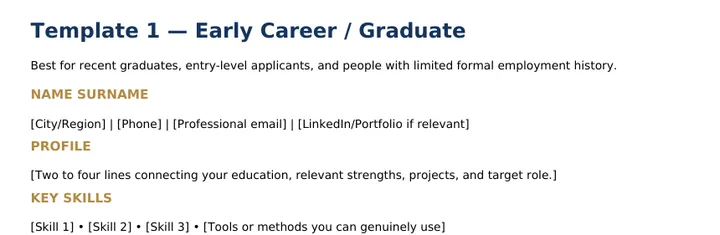
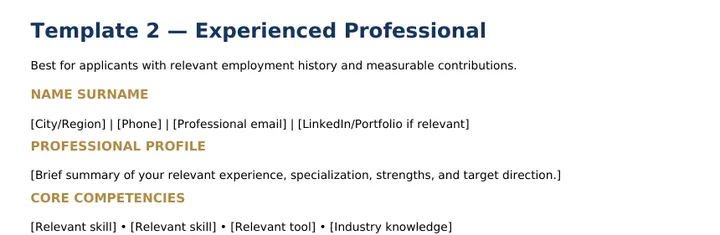
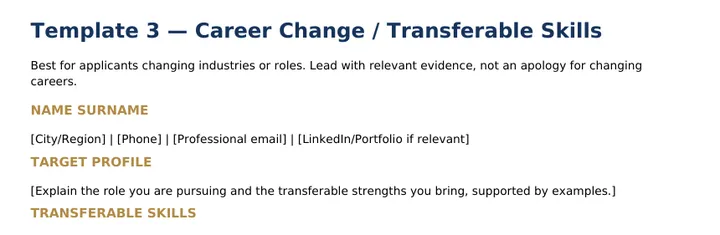
Three editable templates: Early Career / Graduate, Experienced Professional, and Career Change / Transferable Skills, plus a final CV checklist. Replace the bracketed text with your own details.
Your practical toolkit for building stronger job applications, organizing your search, and approaching your next career opportunity with greater confidence.
Apply Smarter. Prepare Better. Move Forward.
7 practical resources. One organized job-search toolkit.
Sound familiar?
The Job Search Toolkit replaces the guesswork with templates, guides and a clear plan.
Seven resources in one ZIP. Short samples cropped from the real files, so you can see the style before you buy. The full resources are included in your purchase.
Three editable templates: Early Career / Graduate, Experienced Professional, and Career Change / Transferable Skills, plus a final CV checklist. Replace the bracketed text with your own details.
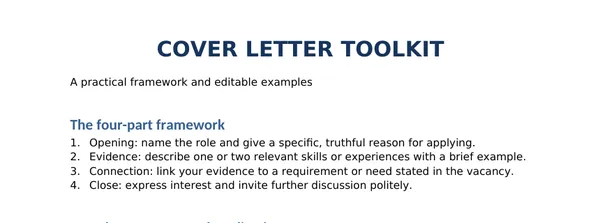
A four-part framework (opening, evidence, connection, close) and three editable templates: General, Entry-level and Career change.
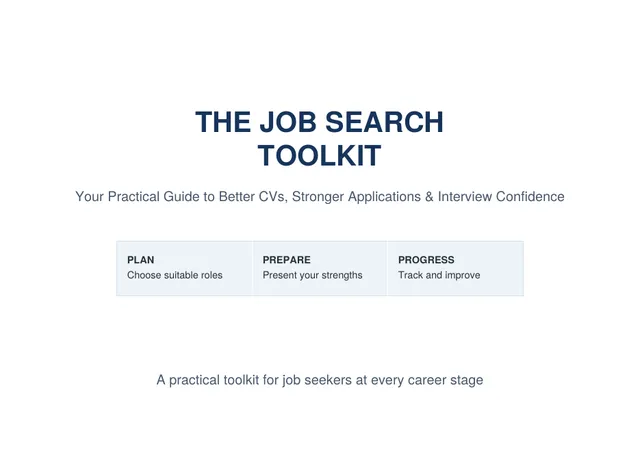
Job-search strategy, CV and cover letter advice, responsible AI use, interview preparation, tracking, remote-job safety, message templates and a 30-day action plan.
Ready-to-paste prompts for comparing your CV with a vacancy, improving bullets, drafting letters and practising interviews, written to avoid inventing facts.
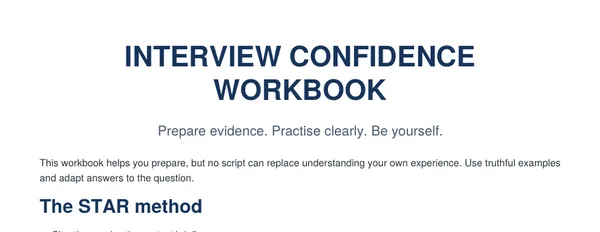
The STAR method, common questions with space for your evidence, two STAR example worksheets, questions to ask the employer and an interview checklist.
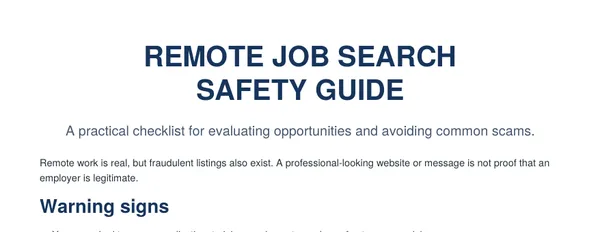
Warning signs, a verification checklist and what to do if you suspect a scam.
One sheet with these columns, plus a short How to Use sheet.
No experience? No problem. Present what you do have with confidence and know where to apply.
Stand out in a global applicant pool with a sharper CV and a focused routine.
Reframe your past experience for a new field and tell a story that makes sense.
Replace overwhelm with a simple, repeatable process you can follow every day.
A flexible four-week plan from the Main Guide. The guide gives the full step-by-step checklist for each week.
One ZIP file through Gumroad, containing seven resources and a short Start Here file:
Delivered as a ZIP file through Gumroad.
Seven resources: the Main Guide (PDF), Professional CV Templates (Word), Cover Letter Toolkit (Word), AI Job Application Prompt Library (PDF), Interview Confidence Workbook (PDF), Remote Job Search Safety Guide (PDF) and a Job Application Tracker (Excel). The ZIP also contains a short Start Here text file.
Four PDF documents (for reading), two Word documents (.docx, editable), one Excel spreadsheet (.xlsx, editable) and a Start Here text file (.txt).
You buy through the Gumroad checkout and receive the toolkit as a ZIP file through Gumroad’s purchase process. Unzip it to open the individual files.
Yes. The CV templates and the Cover Letter Toolkit are Word (.docx) files. Open them in Microsoft Word or another compatible word-processing app; formatting can look slightly different between apps.
You can read the PDFs on a phone with a PDF reader. Editing the Word and Excel files needs a compatible app on your phone, for example Microsoft’s Word and Excel apps, and you may need a file manager to unzip the download first.
No laptop is needed to read the PDFs. Editing the CV templates, cover letters and tracker is usually easier on a computer.
No. The toolkit provides practical resources to help you organize your job search and prepare stronger applications. Employment and interview outcomes depend on many factors, and results are not guaranteed.